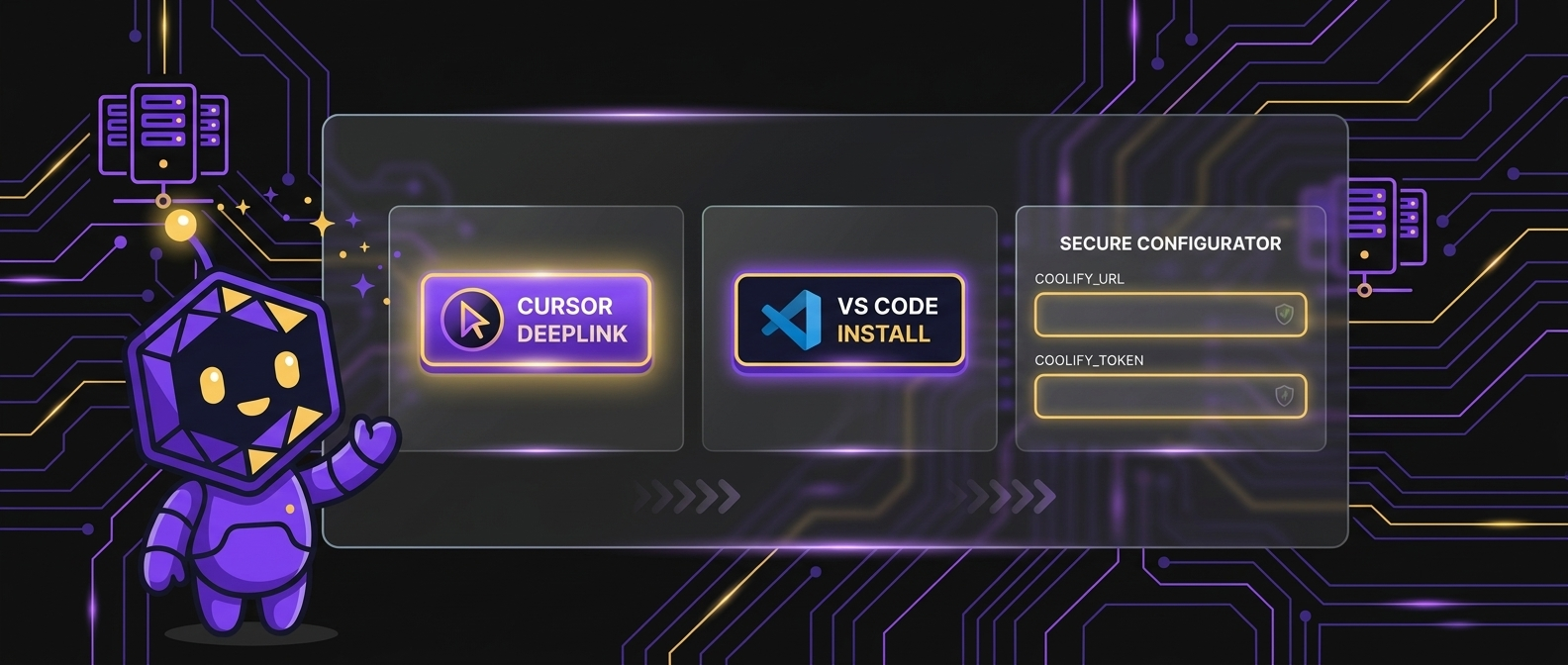

Fastest
One-click deeplink
For experts with credentials ready. Placeholder env is fine — use the configurator when you want to fill secrets first.
MCP · Coolify API 4.1.x
One MCP server for every Coolify instance you own — self-hosted fleet or Coolify Cloud. Deploy, tail logs, diagnose incidents, and run gated emergency ops from Cursor, Claude, VS Code, or any MCP client.
Three equal paths — deeplink, browser configurator, or manual paste. Pick what matches your workflow.
Fastest
For experts with credentials ready. Placeholder env is fine — use the configurator when you want to fill secrets first.
Recommended
Enter credentials and generate per-client snippets. Everything runs client-side — tokens never leave your browser.
Open install configuratorManual
Drop this into your client config. Replace URL and token with real values from Coolify → Keys & Tokens.
{
  "mcpServers": {
    "awesome-coolify-mcp": {
      "command": "npx",
      "args": ["-y", "awesome-coolify-mcp"],
      "env": {
        "COOLIFY_URL": "https://coolify.example.com",
        "COOLIFY_TOKEN": "YOUR_COOLIFY_API_TOKEN"
      }
    }
  }
}After MCP install, onboard workspaces with the setup tool and optional IDE skill packs.
Onboarding
MCP setup tool — gh preflight, greenfield/link-existing wire, soft-pause resume. Not a CLI wizard.
IDE workflows
Workflow playbooks for Cursor, Claude Code, and Codex — deploy, diagnose, incident, setup.
IDE skills install15+ MCP hosts supported. Click to preselect in the configurator.